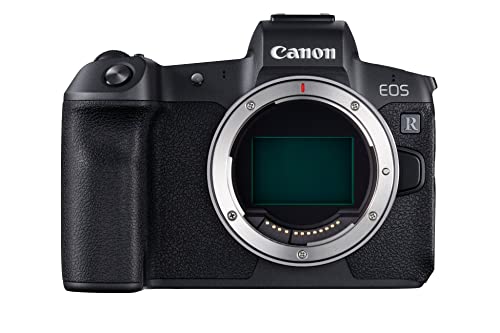
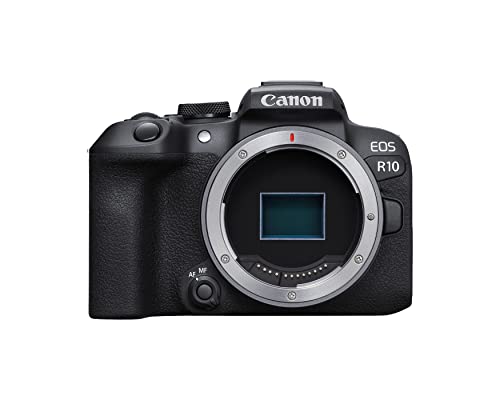
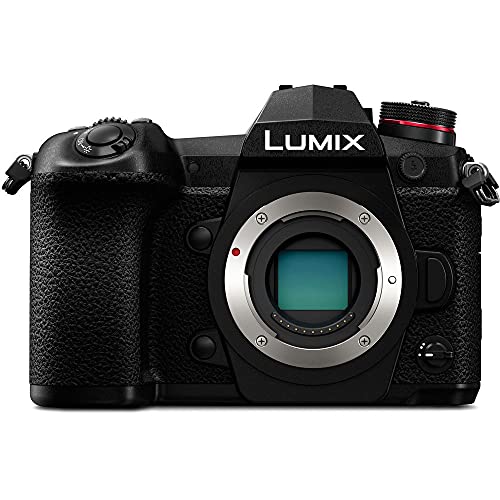
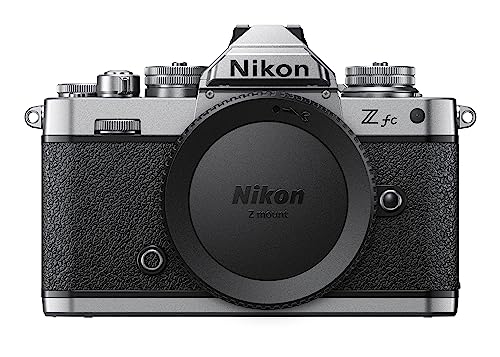
Which brands make the best cameras for YouTube?
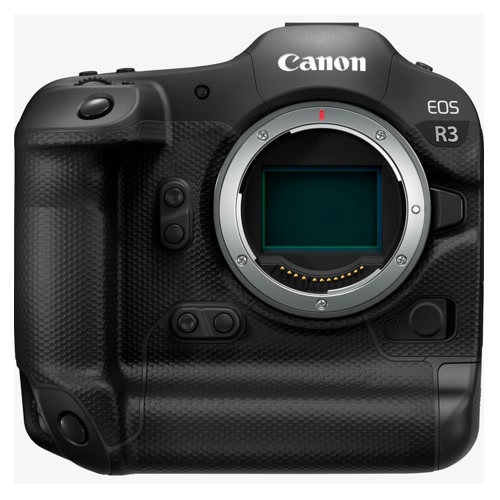
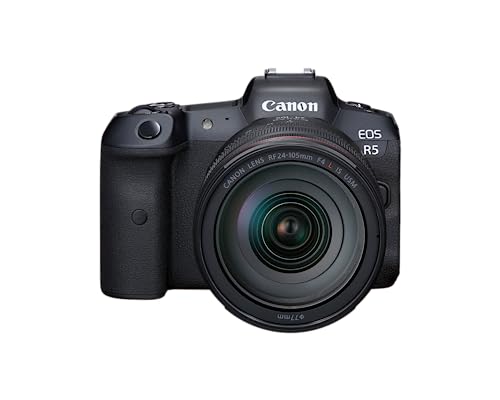
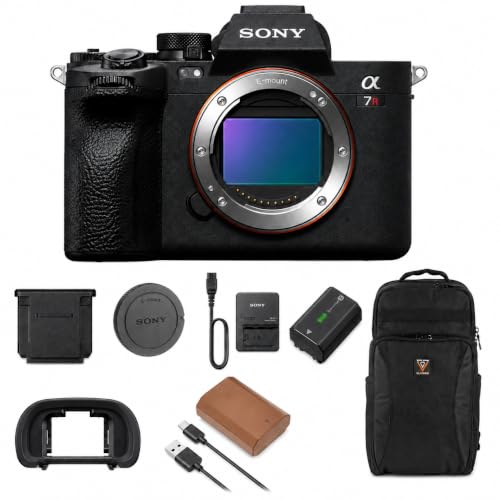
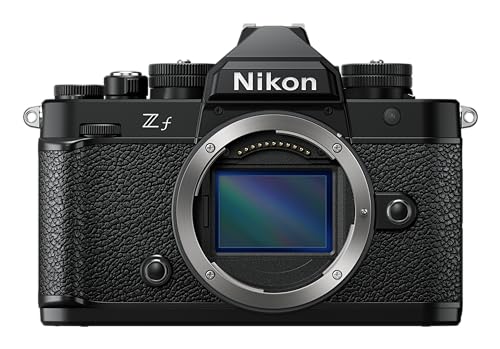
The leading camera brands for YouTube are as follows:
- [shortcode-05165707708806819448183321181214644753562925932937] (Average overall score: [shortcode-07140151046327069724053687256461033470570401773601])
- [shortcode-11751245088534901604157652084241669451963155763177] (Average overall score: [shortcode-10999456183963301089138597841793799700400878583100])
- [shortcode-10039676726199617968029132489079956430912198554273] (Average overall score: [shortcode-05759004767613031522177611469240743199893869211247])
The chart below compares camera brands for YouTube by average overall score.
[horizontal-chart-09145125701143571995045375818833301168472944625645]
What makes a camera suitable for YouTube?
A camera is suitable for YouTube when it can record sharp, well-focused video and intelligible audio reliably for the full length of the intended production. A front-facing screen and microphone input cover solo framing and external sound, while predictable autofocus, exposure, color, and heat behavior reduce failed takes.
For desk videos, interviews, tutorials, and podcasts, look for continuous power, recording limits long enough for the format, a headphone output, clean HDMI or USB webcam support, and ports that do not obstruct the screen. Clean 4K at 24/25/30 fps is a strong baseline because it allows reframing in a 1080p timeline, but a stable 1080p workflow can still be preferable for live streams and rapid publishing.

Run-and-gun channels need a different balance: a lens around 16–24 mm full-frame equivalent for handheld presentation, useful optical or in-body stabilization, weather tolerance, and manageable battery and media demands. Editing also matters; common H.264 or H.265 long-GOP files save space, while intraframe and 10-bit options offer more grading flexibility but require faster cards, greater storage, and a stronger computer.
How important is autofocus on a camera for YouTube?
Autofocus is extremely important on a camera for YouTube because a solo presenter cannot continuously verify or correct focus while recording. Reliable face and eye tracking should hold the nearest eye through normal head movement, glasses, temporary obstruction, and changes in distance.
Test autofocus in the exact recording mode used by the channel. Some cameras perform differently at 4K 50/60 fps, with electronic stabilization, in dim studio light, or when outputting over HDMI; lens focus motors and adapted lenses can also change speed and noise.
For product reviews, adjustable subject-shift sensitivity and a product-priority mode can move focus from the presenter to an item held near the lens. The transition should be smooth rather than abrupt and should return consistently to the face afterward. Interviews and multi-person scenes benefit from touch selection or a dependable way to prioritize one subject.
Manual focus is still useful for locked desk shots, overhead demonstrations, and scripted marks. Focus peaking and magnification simplify setup, but for unscripted presentation and live broadcasts, accurate continuous eye autofocus prevents more unusable footage than a small gain in resolution.

Yes, a practical YouTube camera should have both a front-facing flip screen and a microphone input, especially for a solo production. The screen confirms composition, focus, exposure, recording state, and remaining battery, while the 3.5 mm input supports a directional, lavalier, or wireless microphone placed much closer to the speaker than the built-in microphones.
For long-form work, audio monitoring is almost as important as the input itself. A headphone output reveals interference, clothing noise, clipping, or a disconnected receiver before an entire interview is lost; if the camera lacks one, use a microphone or recorder with monitoring and watch the on-screen meters. Check port placement because HDMI, USB power, and microphone cables can block a side-hinged display, and confirm that touch controls and brightness remain usable while recording.
How good is video quality on cameras for YouTube?
Video quality on a good YouTube camera is very good to excellent when resolution, sensor readout, color, compression, and exposure are balanced for the production workflow. Detailed 4K at 24/25/30 fps is the most useful baseline because it looks clean on large displays and permits modest cropping, stabilization, or a second virtual angle in a 1080p edit.
Full-width or oversampled 4K generally preserves more detail than heavily cropped or line-skipped recording. Check rolling shutter, heat limits, autofocus, and recording duration in the exact mode needed; long podcasts and interviews demand sustained operation, whereas 4K 50/60 fps is more useful for action, smooth motion, and slow-down flexibility.
Editing-friendly does not always mean the highest specification. 8-bit 4:2:0 with a finished picture style is efficient for quick publishing, while 10-bit 4:2:2 and log profiles hold more color and highlight information for grading, green-screen work, and mixed lighting. H.265 can reduce file size but may decode slowly, and high-bitrate intraframe formats edit smoothly on capable systems while consuming far more card and storage capacity.
A consistent white balance, flattering skin tone, controlled highlights, clear sound, and reliable focus matter more to most viewers than 6K or 8K capture. Choose the format that the camera can record without interruption and that the editing computer can play, back up, and export on schedule.
The chart below shows the maximum video resolutions available on cameras for YouTube.
[pie-chart-15563372865229322865122733123571259280650124381790]
Do cameras for YouTube support webcam mode or clean HDMI?
Many cameras suitable for YouTube support either USB webcam operation, clean HDMI output, or both, but the resolution, frame rate, audio routing, and operating limits vary. USB webcam mode is the simpler path for streaming because one cable can carry video and sometimes audio directly to conferencing or broadcast software.
Check whether USB output is limited to 720p or 1080p, whether autofocus and exposure controls remain available, and whether the connection also powers the camera. Some models need a manufacturer utility or use USB Video Class support, while others stop internal recording during webcam use.
Clean HDMI provides a higher-quality signal without focus boxes, battery icons, or menus, but it normally requires a capture device. Confirm the output resolution, frame rate, chroma sampling, bit depth, audio embedding, and whether the rear screen remains active; also disable automatic sleep and verify that the body can run for the entire stream without overheating. Full-size HDMI is more secure for fixed production, while Micro HDMI connections benefit from cable clamps and strain relief.
Good low-light performance is useful for YouTube, but lighting and lens choice usually improve a production more than buying the largest possible sensor. A clean image at the ISO values actually used helps studio channels control shadows and lets run-and-gun creators work in restaurants, streets, venues, or homes without excessive noise.
Full-frame cameras generally preserve more detail and color at high ISO than APS-C or Micro Four Thirds models at comparable settings, but depth of field becomes shallower at the same framing and aperture. A bright f/1.4–f/2.8 lens can gather substantially more light than a typical kit zoom, yet solo eye autofocus must remain dependable because focus tolerance becomes narrower.
For a controlled set, one soft key light and sensible exposure can make a smaller-sensor camera look excellent at low ISO. Run-and-gun work benefits more directly from strong high-ISO performance, stabilization, and a bright wide lens, but shutter speed should remain suitable for subject motion; slowing it excessively produces blur even if the scene looks brighter.
How much do cameras for YouTube cost?
New cameras suitable for YouTube generally cost about £400-£2,600 before lenses, microphones, lighting, and live-production accessories. Entry models around £400-£800 can provide a flip screen, microphone input, eye autofocus, and 4K 24/25/30 fps, although headphone monitoring, in-body stabilization, long recording, and clean high-quality output may be limited.
Around £800-£1,500, expect stronger autofocus, better sensor readout, cleaner or less-cropped 4K, improved heat management, USB streaming, log profiles, and more direct controls. Some bodies add 10-bit recording or 4K 50/60 fps, but check whether those modes crop the image, increase rolling shutter, or demand costly media.
Advanced hybrid and video-focused cameras around £1,500-£2,600 can add 10-bit 4:2:2, high-bitrate codecs, full-size HDMI, headphone output, dual card slots, fan-assisted cooling, stronger low-light performance, and more reliable long-form operation. These features suit paid channels, interviews, multicamera work, and heavy grading, but they also increase storage and computing needs.
Budget for the complete production chain. A suitable lens may cost £220-£1,000, a microphone £60-£430, and lights, stands, batteries, cards, a teleprompter, or an HDMI capture device can add several hundred euros; a balanced £1,300 setup with good sound and lighting is usually more effective than a £1,700 body used with a poor lens and built-in audio.
The following chart shows the price distribution for these cameras.
[vertical-chart-09393606339820530204179187603864710989984227851226]