Which brands make the best cameras with a flip display?
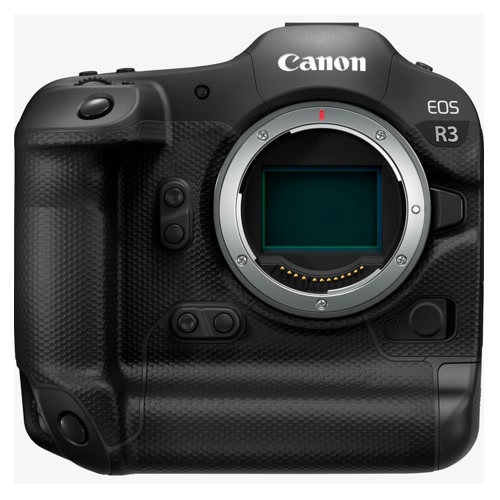
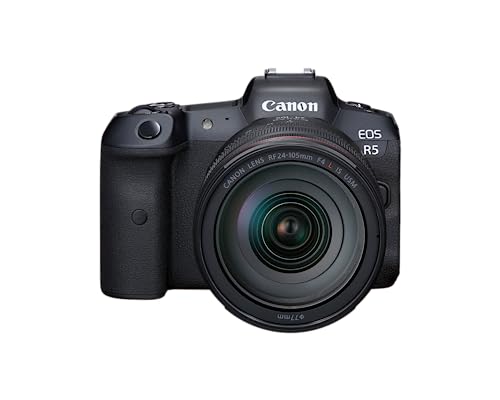
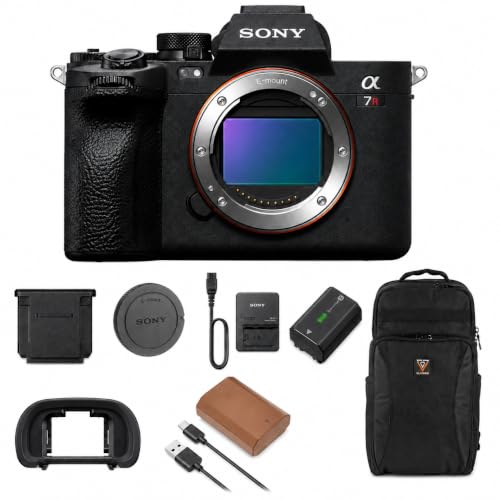
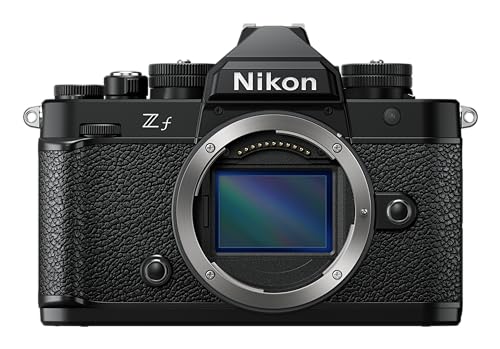
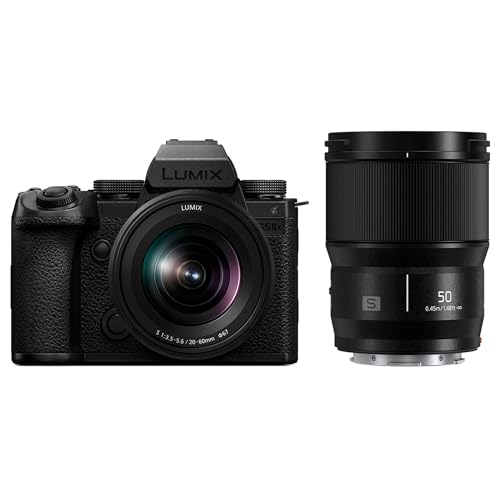
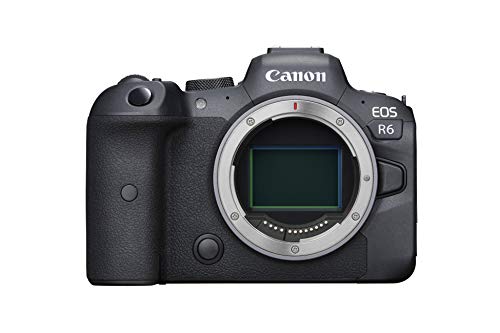
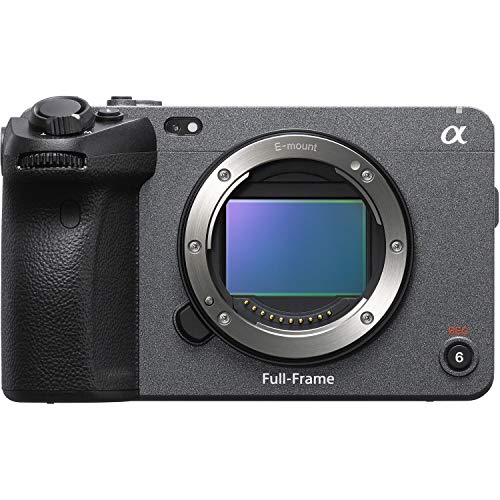
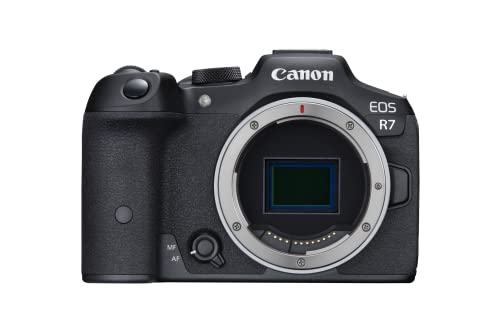
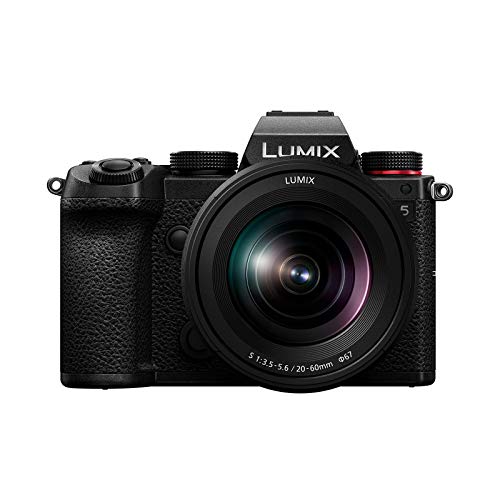
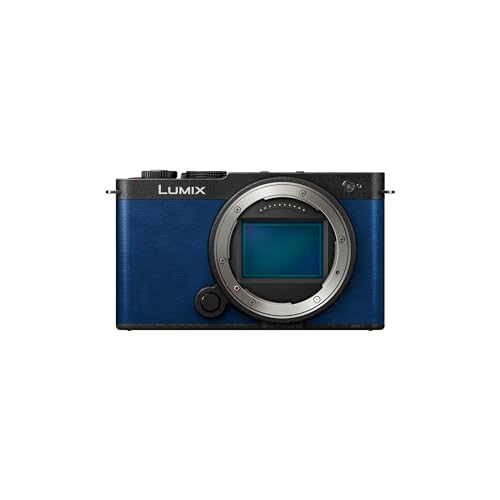
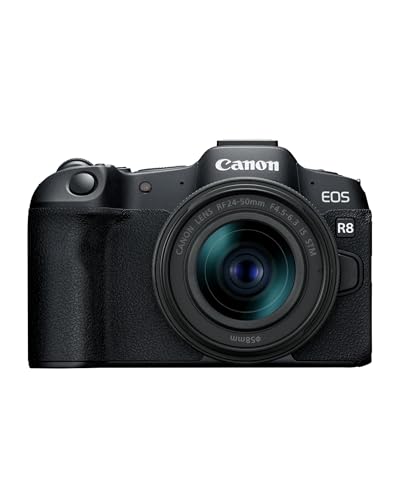
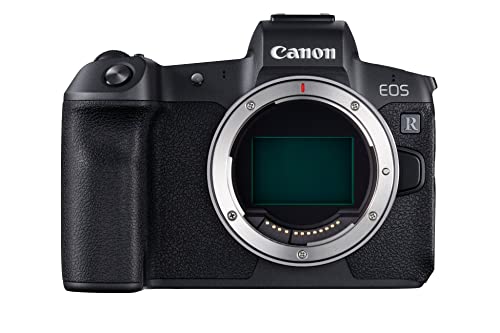
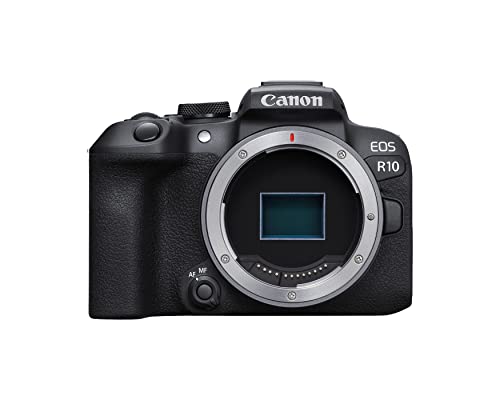
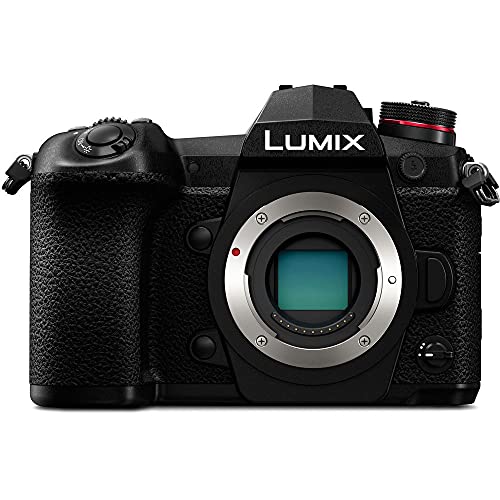
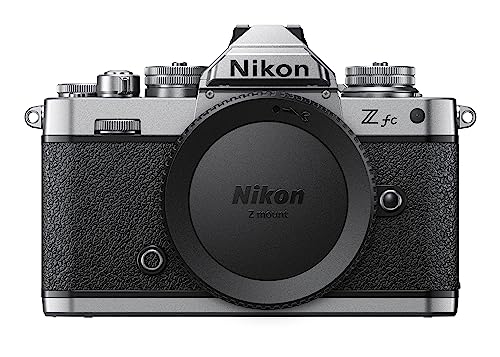
The leading camera brands with flip displays are as follows:
- [shortcode-11593929986691743141073663815761258948853519849931] (Average overall score: [shortcode-13646660728886254866126437043749428025302824115051])
- [shortcode-12182020917291674495039050371256623367244115815931] (Average overall score: [shortcode-16106690914191907813041142308703523310531243006882])
- [shortcode-02453870802738426028138260341697663415933966059773] (Average overall score: [shortcode-12221522588111534633150612031708225868802749631154])
The chart below compares flip-display camera brands by average overall score.
[horizontal-chart-15273263326865208629092679053983462930562663524158]
What makes a camera with a flip display worth buying?
A camera with a flip display is worth buying when the photographer regularly works alone, shoots from awkward angles, or needs to monitor framing while standing in front of the lens. Vlogging, self-portraits, demonstrations, overhead product shots, low-angle street work, and vertical social video all become easier when the screen can face the subject.
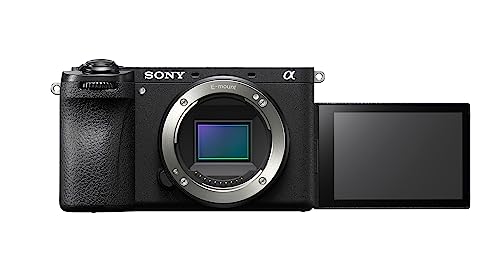
A side-hinged fully articulating design offers the greatest freedom and can rotate inward for protection. A top-flipping screen keeps the image near the lens axis but may be blocked by a microphone, flash, or transmitter; a downward-flipping screen can conflict with a tripod or grip.
Check touch focus, brightness outdoors, screen resolution, hinge movement, and whether exposure tools remain visible in the forward-facing position. For video, autofocus, lens width, audio, stabilization, recording limits, and power matter at least as much as articulation.
How useful is a flip display on a camera for vlogging and selfies?
A flip display is extremely useful for vlogging and selfies because it confirms framing, horizon, exposure, recording status, and whether face detection is active. It also makes it easier to position text, products, or another person without repeated test clips.
The lens must remain wide enough after any 4K or stabilization crop. About 20–24 mm full-frame equivalent suits handheld solo framing, while 28 mm can feel tight at arm length. Touch tracking and a clear recording indicator reduce the risk of returning with soft or missing footage.
The screen should not encourage constant eye movement away from the lens. Place it as close to the lens axis as practical, use guides or tally indicators, and monitor audio separately when possible. In bright sunlight, maximum brightness and reflections can limit usefulness even when articulation is excellent.
What are the main limits of cameras with a flip display?
The main limits of cameras with flip displays are as follows:
- Cable obstruction: Microphone, headphone, HDMI, and USB cables can block a side-hinged screen or restrict rotation. Port placement should be checked with the intended accessories attached.
- Accessory conflicts: Top-flipping screens may disappear behind a hot-shoe microphone or wireless receiver, while downward screens can be blocked by a tripod plate or grip.
- Fragile moving parts: Hinges and ribbon cables add mechanical complexity. A screen folded inward is protected, but repeated twisting should still feel firm and controlled.
- Off-axis eye line: Looking at a side screen makes the presenter appear to look away from the viewer. Framing checks should be brief once recording begins.
- Outdoor visibility: Reflections and modest brightness can make a forward-facing screen difficult to read in sunlight. A hood, shade, or external monitor may be needed.
- Heat and battery use: A bright active screen, continuous autofocus, and 4K recording increase power consumption and heat. Articulation alone does not guarantee unlimited recording.
- Incomplete touch control: Some screens support touch focus but not full menu navigation or playback gestures. Test the exact functions needed for solo operation.
How good is autofocus on cameras with a flip display?
Autofocus on the best flip-display cameras is very good, with face and eye detection capable of keeping a solo presenter sharp while moving toward or away from the lens. Performance should be judged in the intended video mode because 4K, high frame rates, or cropped modes can change the focusing system.
Touch tracking is especially valuable: the user can select a face or product before stepping in front of the camera. Useful settings include transition speed, subject-switching sensitivity, and priority between face and object focus, which prevent distracting jumps to the background.
Lens choice affects focus breathing, noise, and minimum distance. A quiet linear or stepping motor is preferable for video, and the lens must focus closely enough for products held toward the screen. Test focus under indoor light, not only in bright demonstrations.
Many cameras with a flip display support a 3.5 mm microphone input, but the feature is not universal and should be checked separately from screen articulation. Entry compact and stills-oriented models may rely only on internal microphones, while hybrid and creator-focused bodies are more likely to provide external audio.
A microphone input improves clarity and permits directional, lavalier, or wireless systems. Headphone monitoring is less common and matters for interviews or paid work because meters alone cannot reveal interference, clothing noise, or a loose connector.
Check whether the cable blocks the screen, whether plug-in power is supported, and whether input level can be adjusted manually. Digital hot-shoe audio can avoid a side cable on compatible systems, but it ties the microphone to a specific camera ecosystem.
The chart below shows how microphone-input support is distributed among flip-display cameras.
[pie-chart-04472453211156128715151453399549545125190952440857]
How portable are cameras with a flip display?
Flip-display cameras range from pocket models around 200–350 g to full-frame and cinema-oriented bodies exceeding 700–1,000 g. Articulation itself adds little weight, but cameras designed around video often have deeper grips, larger batteries, heat management, and more ports.
Portability depends on the complete setup. A compact body with a wide pancake or power zoom can fit a small bag, while a bright full-frame zoom, microphone, grip, and spare batteries can turn the same basic concept into a multi-kilogram kit.
Check dimensions with the screen open and cables attached. A side screen increases working width, and a grip or tripod may obstruct downward designs. The best travel setup keeps the screen usable without requiring accessories that defeat the compact body.
How much do cameras with a flip display cost?
New cameras with a flip display generally cost about £300-£3,000, although basic or older models may start lower and professional video bodies can cost much more. Around £300-£700, buyers can find entry mirrorless and compact creator cameras with forward-facing screens, Full HD or 4K, touch focus, and basic wireless transfer.
Between roughly £690 and £1,300, autofocus, stabilization, oversampled 4K, microphone support, USB power, viewfinders, and lens choice improve. This is often the strongest range for serious vlogging and hybrid family use.
From about £1,300 to £3,000, full-frame sensors, 10-bit recording, 4K/60p, stronger cooling, better ports, weather sealing, and professional monitoring become more common. The extra cost pays for recording reliability and workflow rather than the hinge itself.
Budget for a wide lens, microphone, fast card, spare battery, grip or tripod, and lighting. A balanced £1,000 kit with good sound and suitable framing usually produces better results than a £1,300 body used with poor audio and a lens that is too tight.
The following chart shows the price distribution for cameras with flip displays.
[vertical-chart-05876593415204961664040562961986500011822225165334]